Up to 8K, hardware decoded
Common formats play directly, with hardware decoding up to 8K (hardware permitting): MKV, MP4, AVI, HEVC and more, with TrueHD / DTS audio. Hardware decoding is selected automatically on your device.

Video player & media library
Panvox is a video player powered by avox, our in-house audio/video engine library. It plays local files as well as NAS/SMB/WebDAV, Jellyfin/Emby and IPTV sources, includes a built-in poster-wall media library, and adds optional AI assistance (subtitles, recognition, tagging, search).
iOSmacOSAndroidWindows
Common formats play directly, with hardware decoding up to 8K (hardware permitting): MKV, MP4, AVI, HEVC and more, with TrueHD / DTS audio. Hardware decoding is selected automatically on your device.
4K / HDR10 / HLG play as intended; Dolby Vision (P5 / P8) and HDR10+ dynamic metadata is applied per frame — SDR displays get automatic per-frame tone mapping; HDR displays get automatic HDR output.
ASS-styled subtitles and PGS bitmap subtitles keep their original styling and positioning; external SRT files load as-is, and garbled text is fixed automatically.
Disc images play directly, with titles listed for selection.
Panoramic and stereoscopic files are identified by the container's stereo/spherical metadata and aspect ratio, and the VR playback mode is ready when one is found.
0.25–64× speed with custom presets, audio and subtitle track switching, touch gestures, and playback lock.
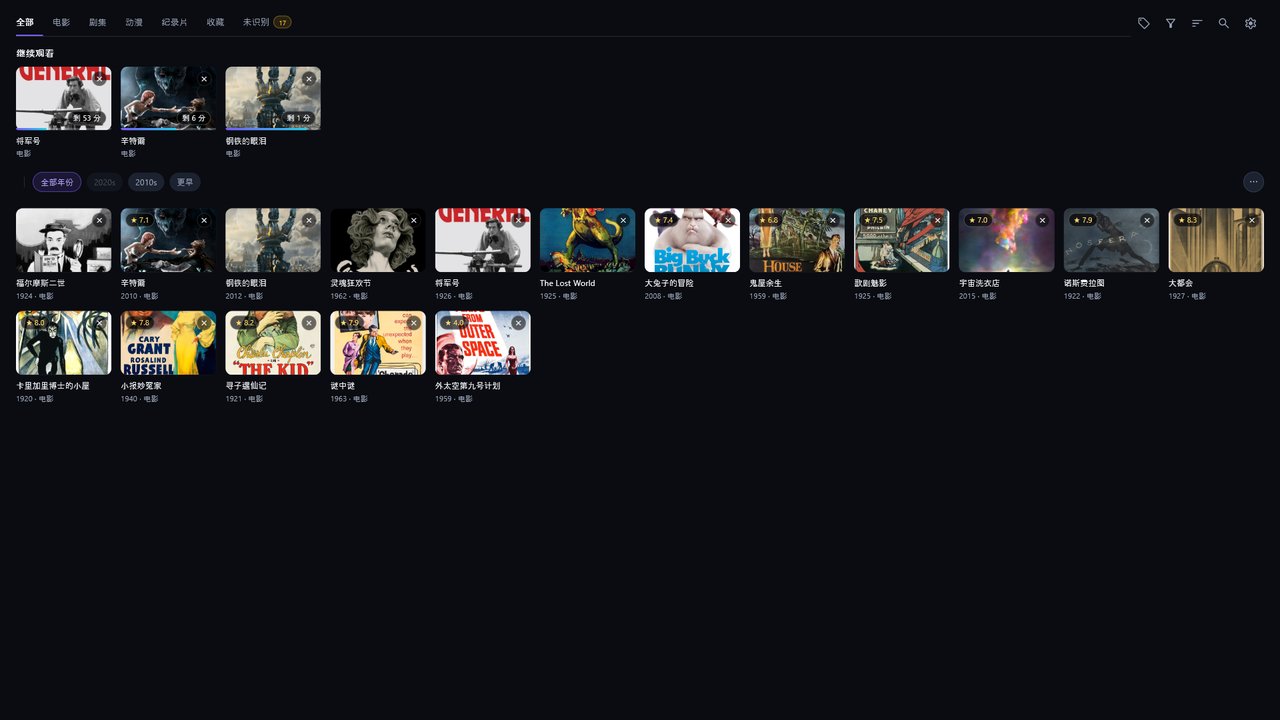
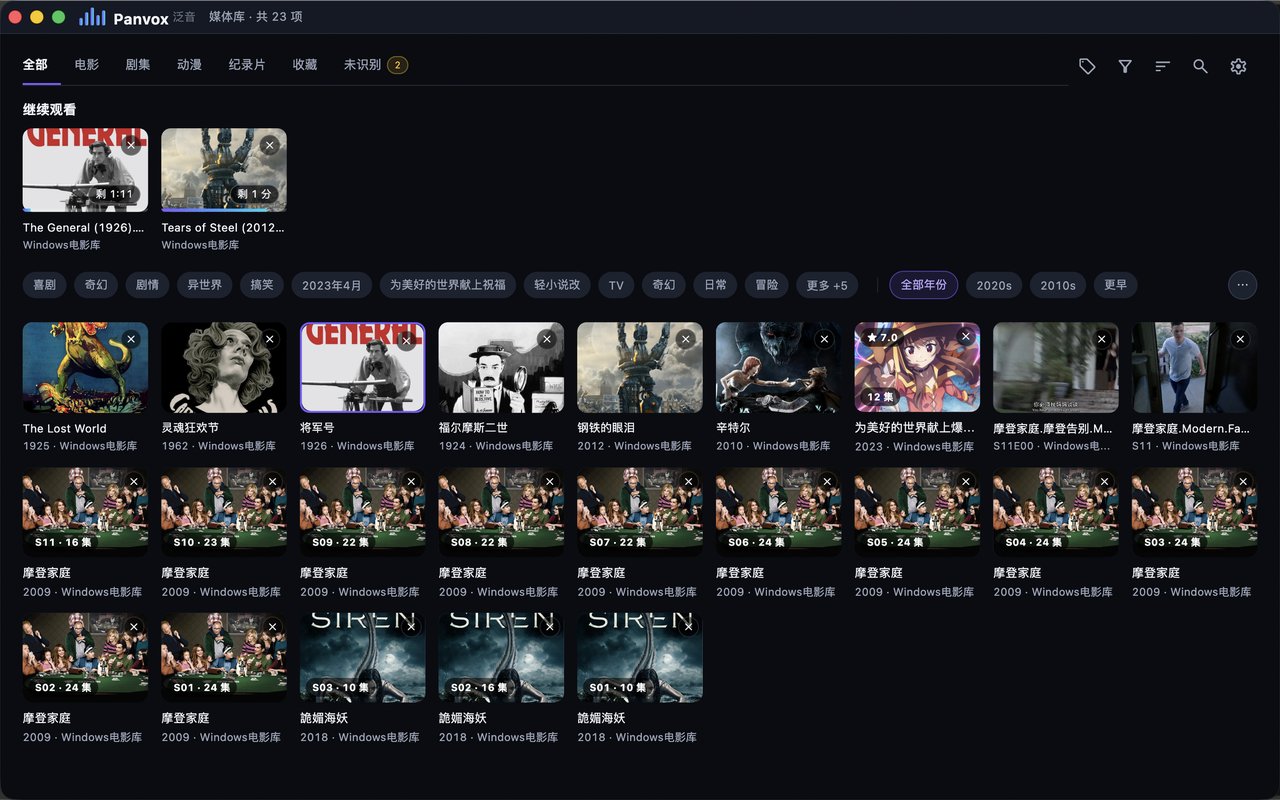
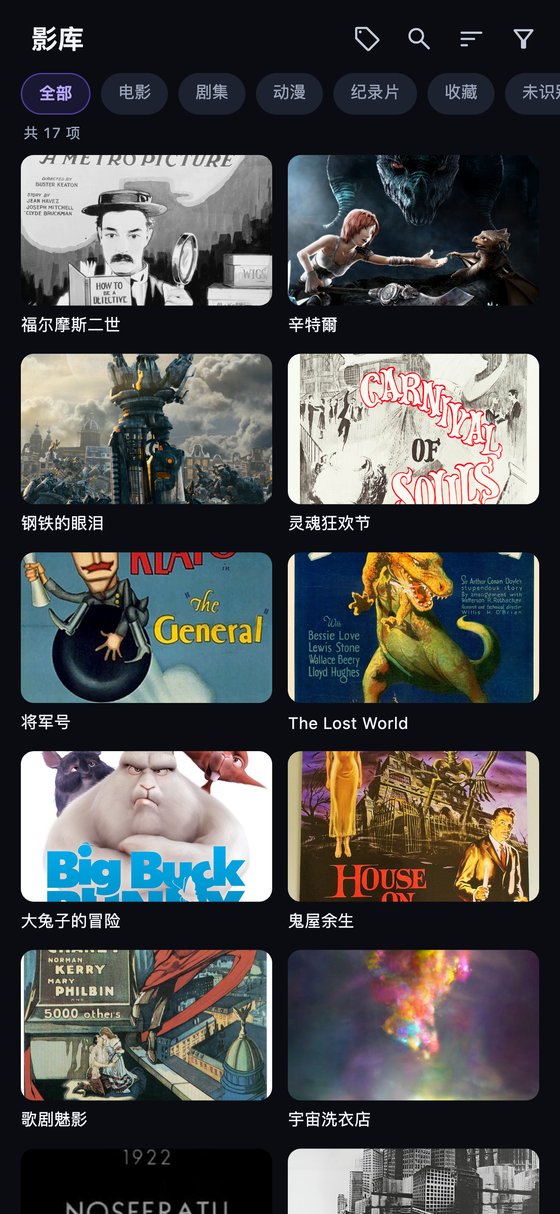
Built-in TVDB / Bangumi API keys recognize your files automatically — zero configuration; server metadata and manual matching are also supported. Series in local and NAS libraries are grouped by season (S01 · 24 episodes).
Tag tree, category filters, continue watching; full-library search.
Browse your library, direct playback, watch progress synced back to your server; Quick Connect sign-in when your server supports it.
Local folders, SMB, WebDAV, plus live streams over RTSP / RTMP / HTTP — your server sends the original stream and your device decodes it; fast startup, responsive seeking.
Import M3U playlists directly — channel groups and favorites, program guide (EPG), quality selection, and built-in demo channels.
Data goes straight to your own servers.
For videos without them, speech recognition generates subtitles from the audio — Chinese / Cantonese / English / Japanese / Korean, all processed on your device. To translate into one of 14 languages, add your own large-model provider key in settings; without a key you still get the original-language subtitles.
Unrecognized items can be batch-matched by AI in one tap — matches identified as film or TV are then completed via TVDB / Bangumi. AI recognition, tagging, and search use the AI key you configure.
AI tags items based on content and expands the tag tree; tags you add manually are never overwritten.
Describe what you feel like watching in one sentence, and AI finds it in your library.
Poster wall / file browser / pure player.
14 interface languages, following your system language; light and dark themes, plus accent colors.

Playback, subtitles, the media library and all AI features are free to use — no ads, no subscription.
AI subtitles and the results of AI recognition, tagging, and search may contain errors, are for reference only, and can be corrected manually. Please play only content you have the legal right to access.
The avox engine is open source: github.com/xxxzhou/avox — a C++ audio/video engine library (capture / GPU pipeline / playback / recording).