
Automatic detection
A model first flags likely watermark positions, then the background is filled back in. Fits images where watermark positions vary; folder batches always run automatic.
LaMa + YOLO26-Seg · model ~290 MB on demand
Avoxkit · Image repair · Watermarks and logos
Remove watermarks, channel logos and overlay text from your own material and let a model fill the background back in: automatic detection when positions vary, manual painting when you know the spot. JPG, PNG, BMP and WebP, whole-folder batches, everything on this machine.
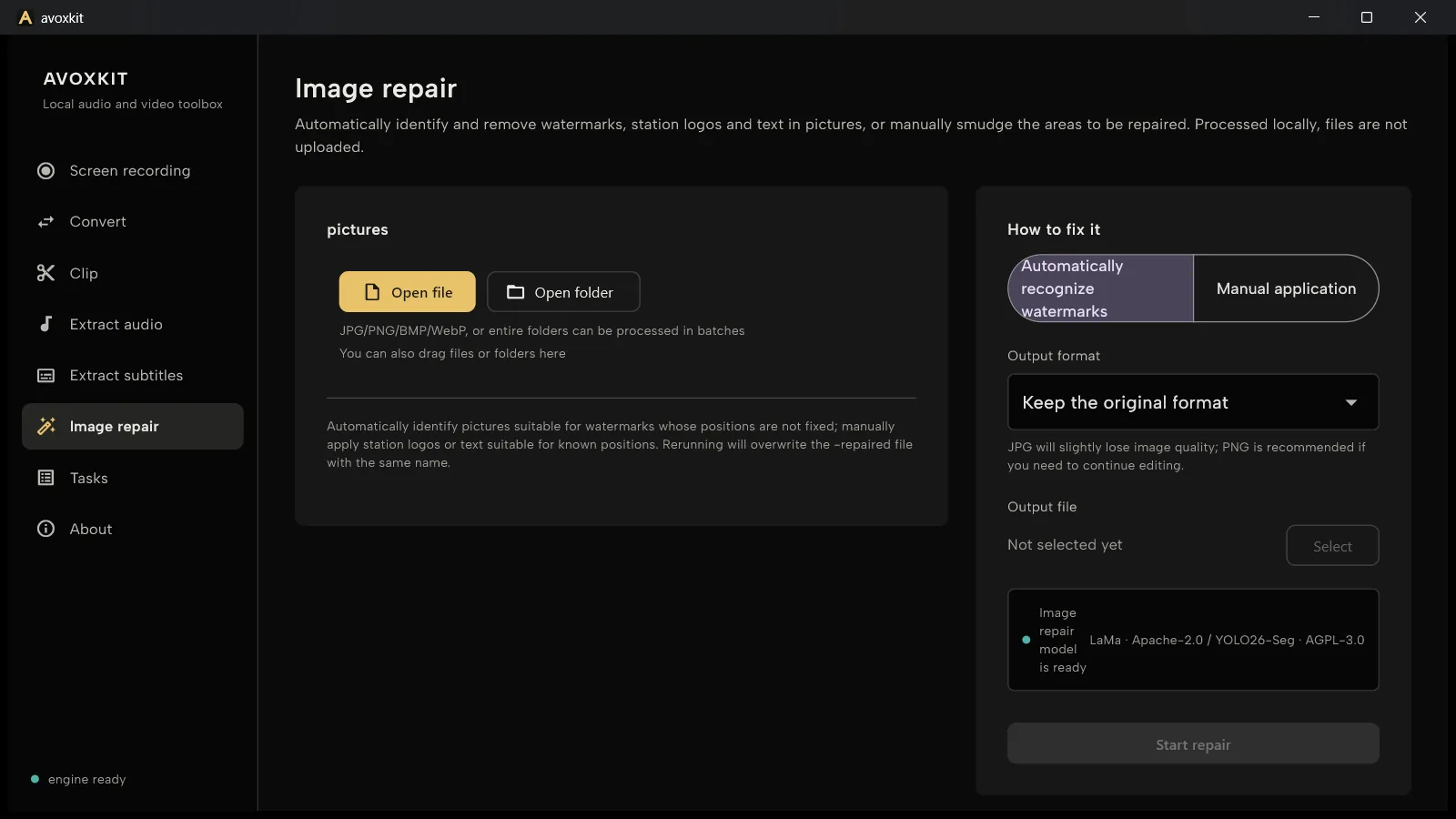
How it works
Detection and inpainting run as a relay: first find what to remove, then fill the background back.
A model first flags likely watermark positions, then the background is filled back in. Fits images where watermark positions vary; folder batches always run automatic.
LaMa + YOLO26-Seg · model ~290 MB on demand
Paint over the logo or text on the preview and only painted areas are repaired. Fits logos and overlays at known positions — you decide the boundary.
Smaller painted areas inpaint better
Before / After
Manual mode in this example: only the watermark is painted on the preview; the rest of the pixels stay untouched.
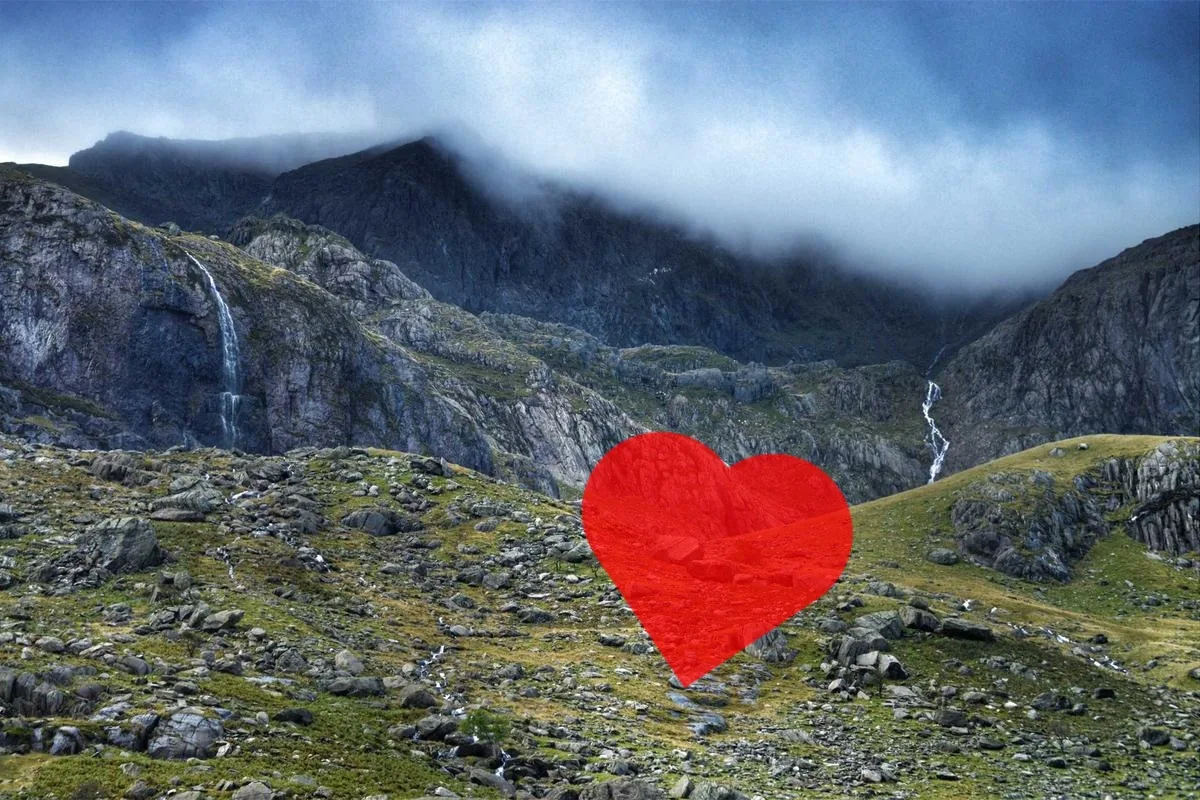
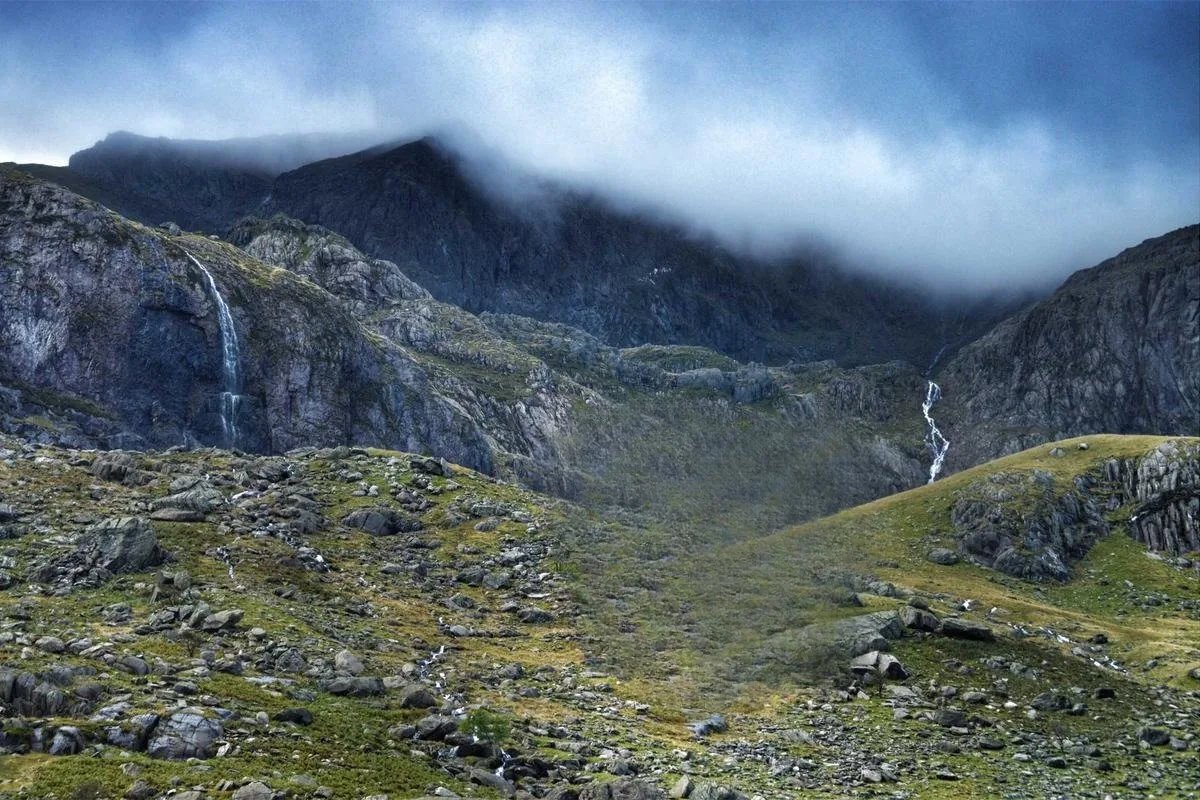
Repair costs nothing, with no count limits and no watermark on output.
Detection and repair run on this machine; images are never uploaded.
Queue whole folders, all through automatic detection, failed items retry in one click.
Limits
Inpainting is generated, not recovered.It does not guarantee a match with the original background, especially on large areas; keep the original of anything important.
Output keeps the input format.JPG carries a slight loss; pick PNG when you will keep editing.
Re-running overwrites the same -repaired file.Rename first if you want to keep several versions.
Only for images you have the rights to.This feature is for your own material: logos, watermarks and text on your own screenshots and photos.
Get
Current release 0.2.0 for Windows 64-bit and macOS (Apple Silicon), entirely free.
Download from GitHub Releases, or see the Avoxkit home page.
Not guaranteed. Repair is generated inpainting, especially on large areas; keep the original of anything important.
Positions vary or there are many: automatic detection finds them first. A logo or text at a known spot: manual painting, which only touches painted areas.
JPG, PNG, BMP and WebP, whole-folder batches; output keeps the input format by default, JPG with a slight loss — pick PNG to keep editing.
On first use, about 290 MB with SHA-256 verification, only when you need it. Detection and repair run on this machine; images are never uploaded.