Are my files uploaded?
No. All media processing happens on this machine; the app has no telemetry, cloud sync or auto-upload logic. No account is needed and no usage data is collected.
Does it need an internet connection?
Convert, trim and extract all run offline. The speech recognition and image repair models download on first use (about 230 MB and 290 MB); downloads fetch model files only and never read your media.
Which systems are supported?
Currently Windows 64-bit and macOS (Apple Silicon) desktop builds. Conversion covers mkv, mp4, mov, avi, ts, flv, webm, wmv and other common containers.
Windows shows a SmartScreen warning when opening?
The Windows build is not code-signed yet, so SmartScreen may appear on first run: click "More info" and then "Run anyway". This is common for unsigned independent software, and the download can be checked against the SHA-256 sum shipped with the release. The macOS build is Developer ID signed and notarized, so it opens normally.
How is this different from online converters?
Files never leave the machine: no size or count limits, no upload and download queues, and whole folders batch in one go. That matters most for videos with private content.
How is this different from an editor?
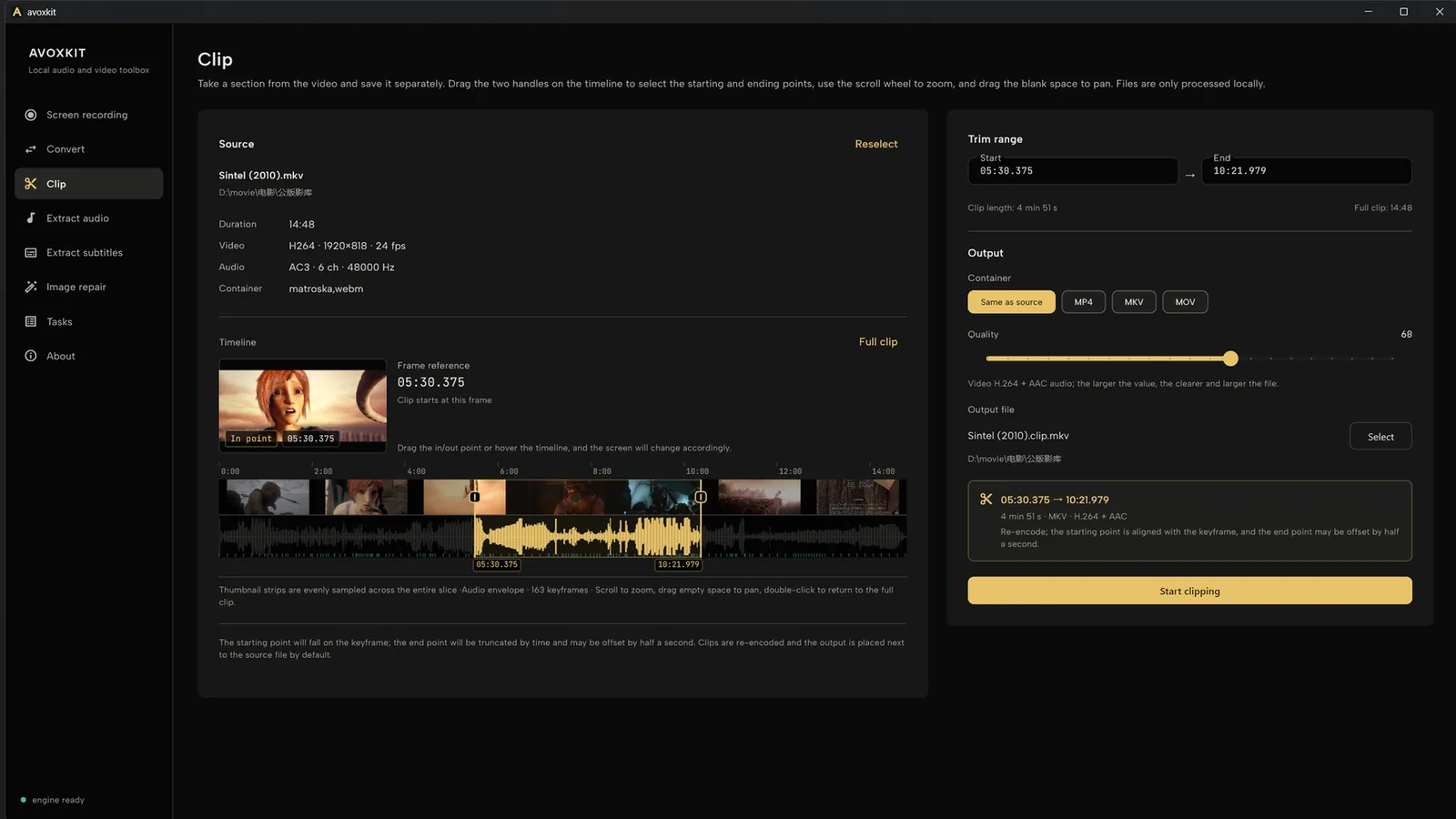
Avoxkit is for regular work: convert, trim, extract. There is no multi-track timeline or effects; for editing, use a dedicated editor.
Can it convert MKV to MP4 without re-encoding?
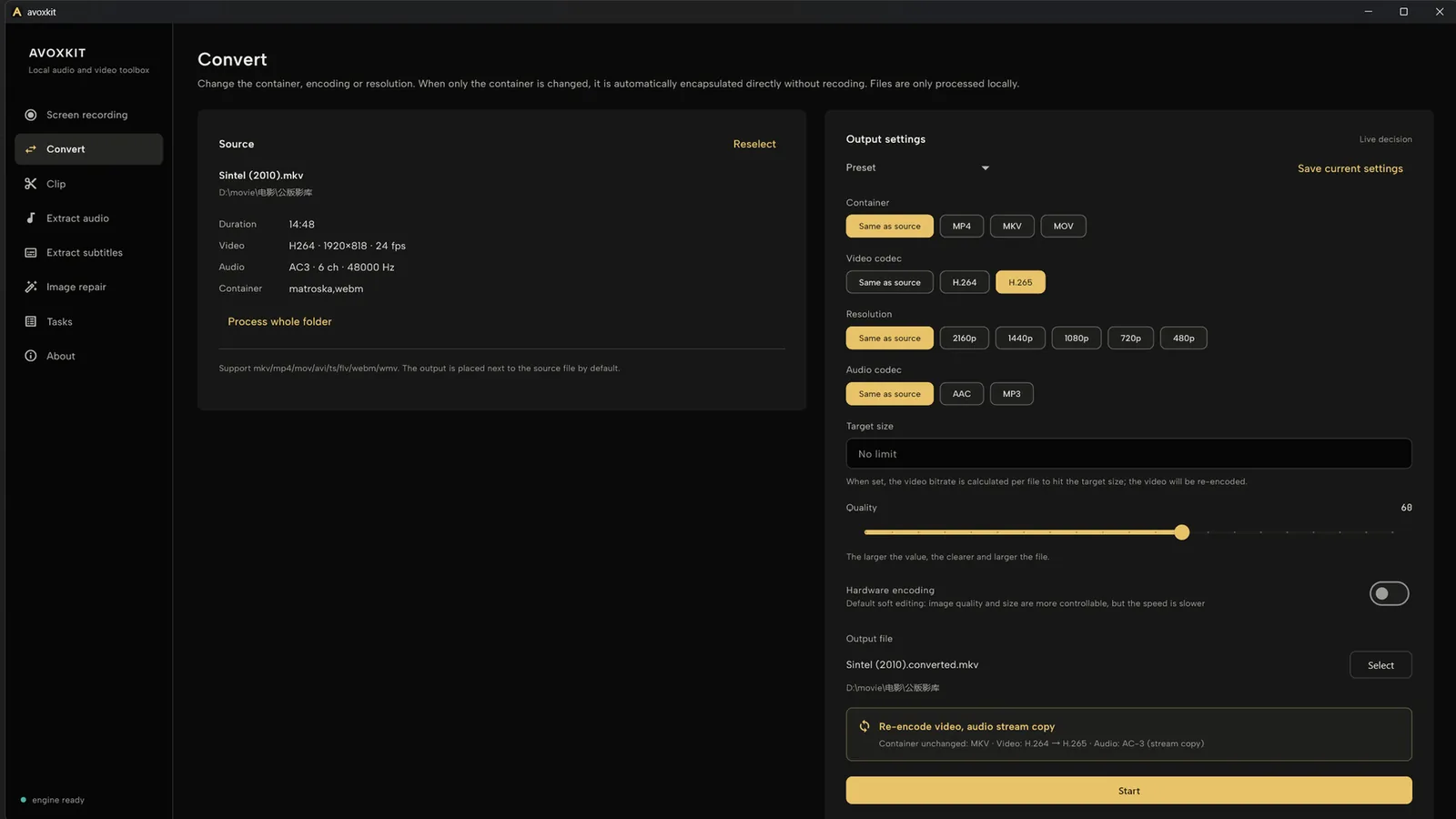
Yes, when only the container changes and the target container supports the source codecs: the file is remuxed without re-encoding. If the target codec differs, it transcodes. Whole folders batch in one go and existing outputs are skipped.
Can it generate subtitles for a video with no subtitle track?
Yes. When there is no embedded text track, on-device speech recognition (Chinese, English, Japanese, Korean, Cantonese) outputs standard SRT; the model (~230 MB) downloads on first use.